01
Glass
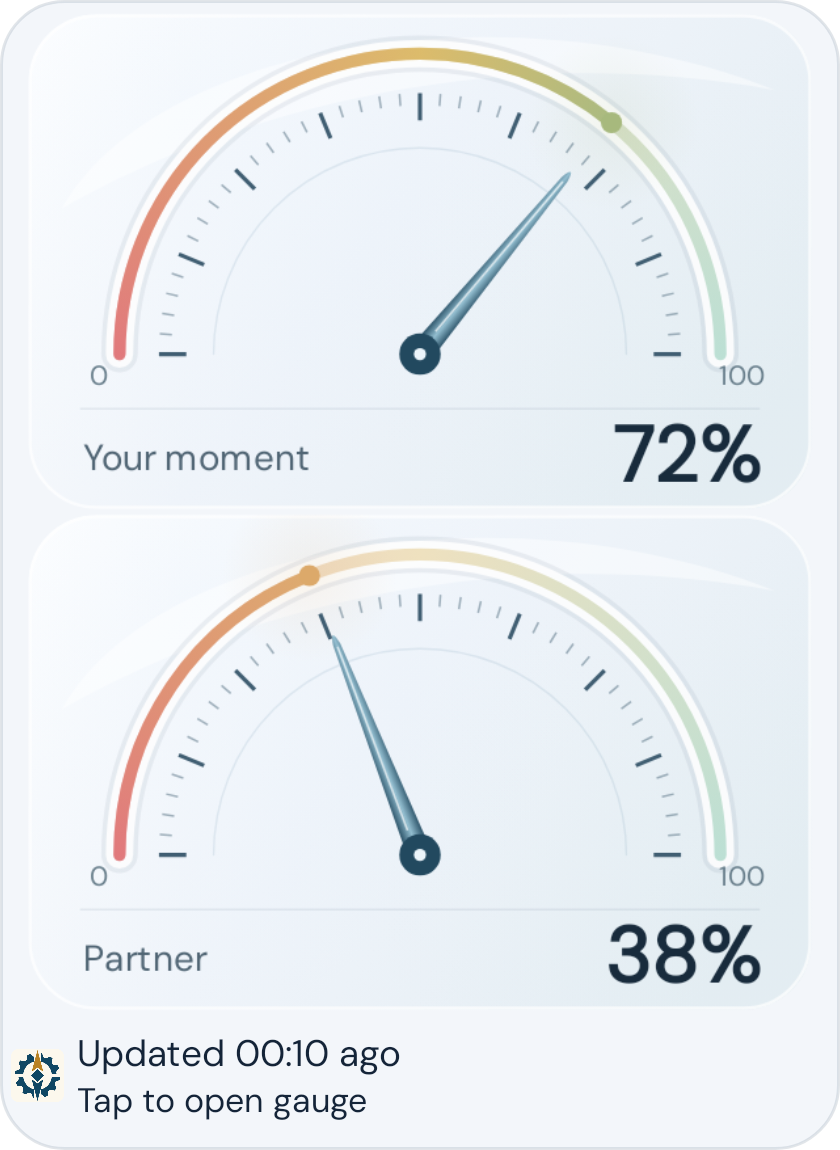
The new instruments, right on your home screen. Large readings, generous gauges, and a style that feels like you.
Get the updated Android app ↓0.3.4 · signed previewActual native widget frames with sample readings. Tap a widget image to see it full size.
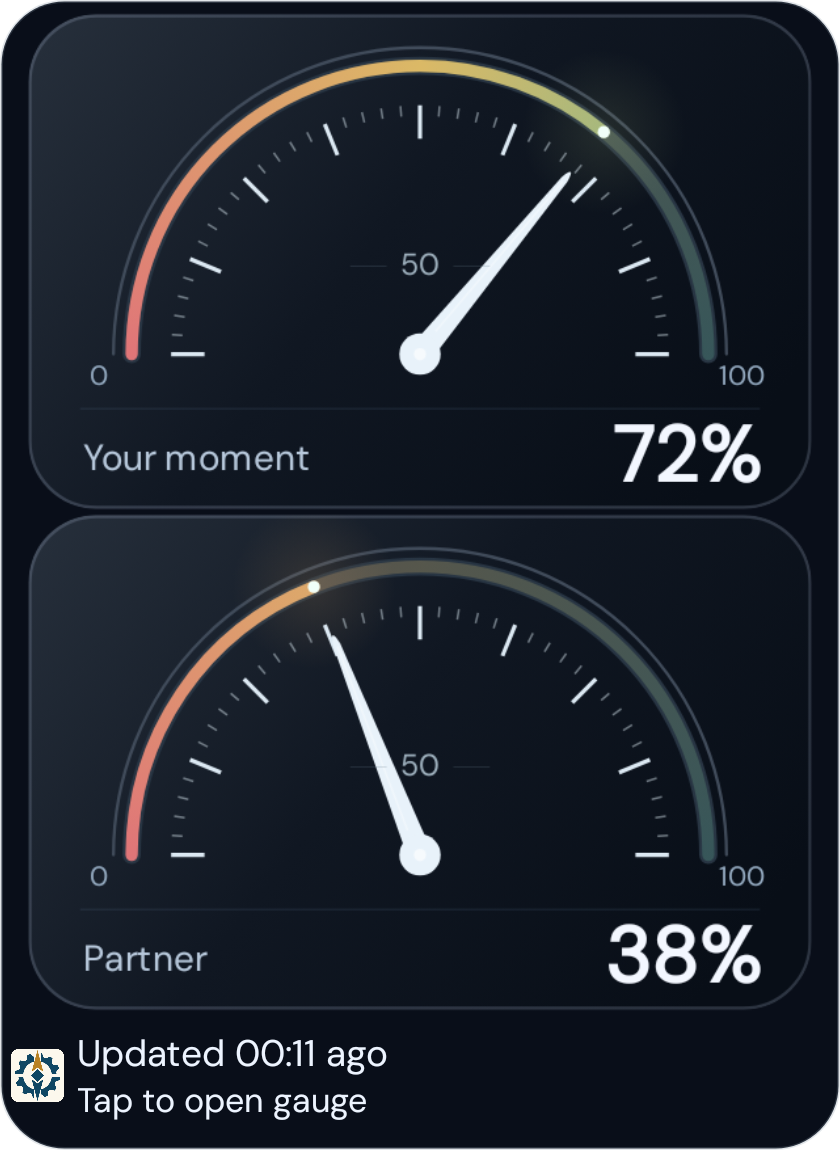
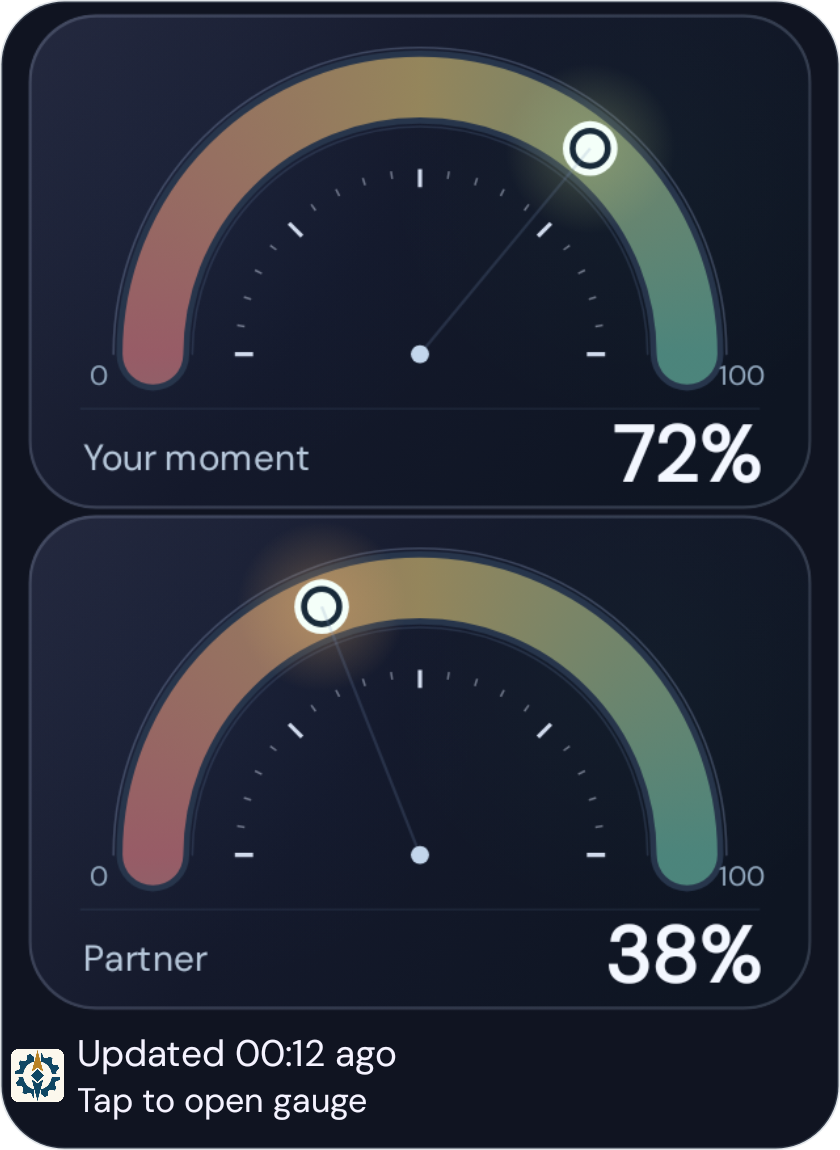
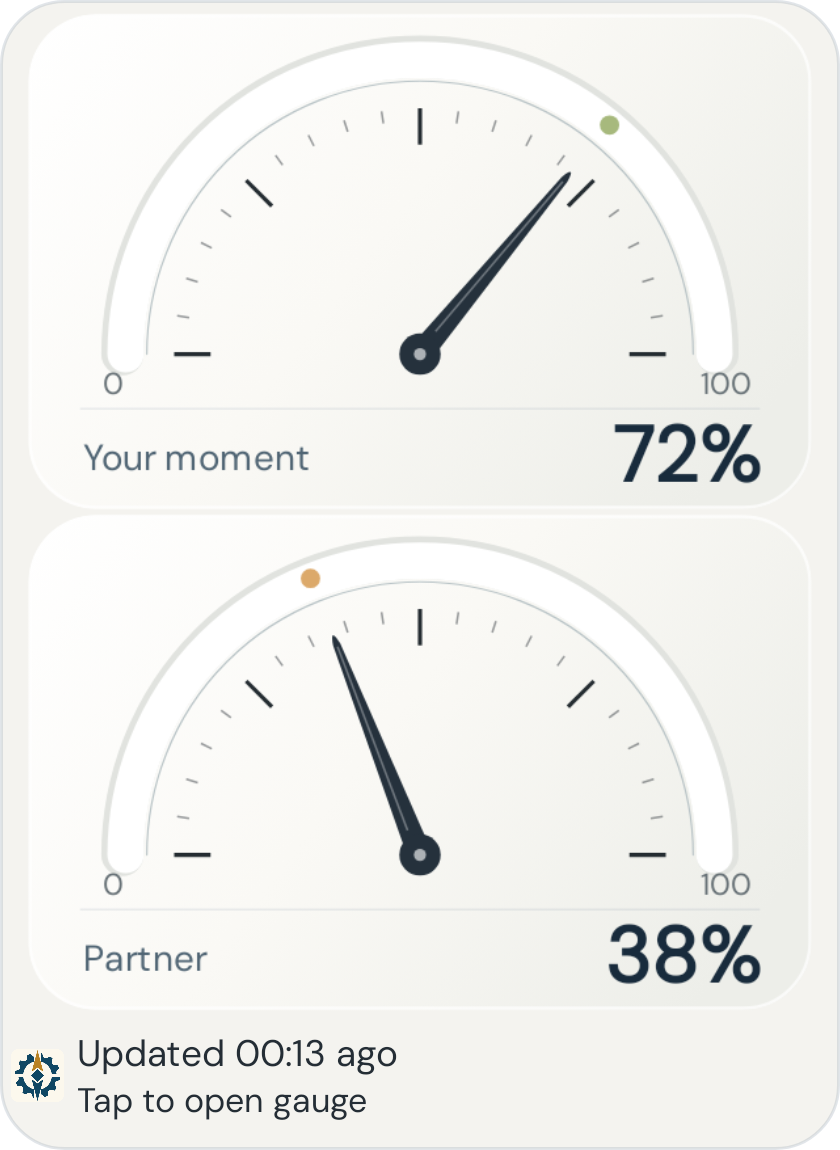
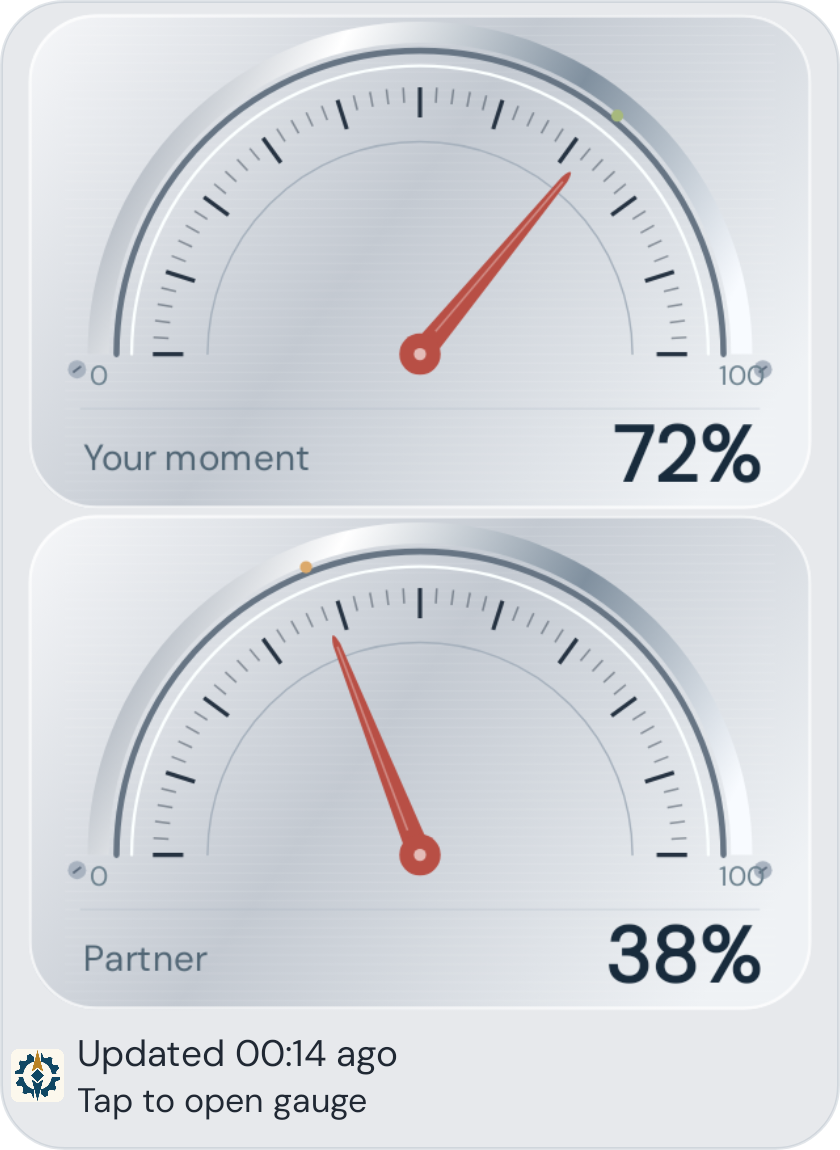
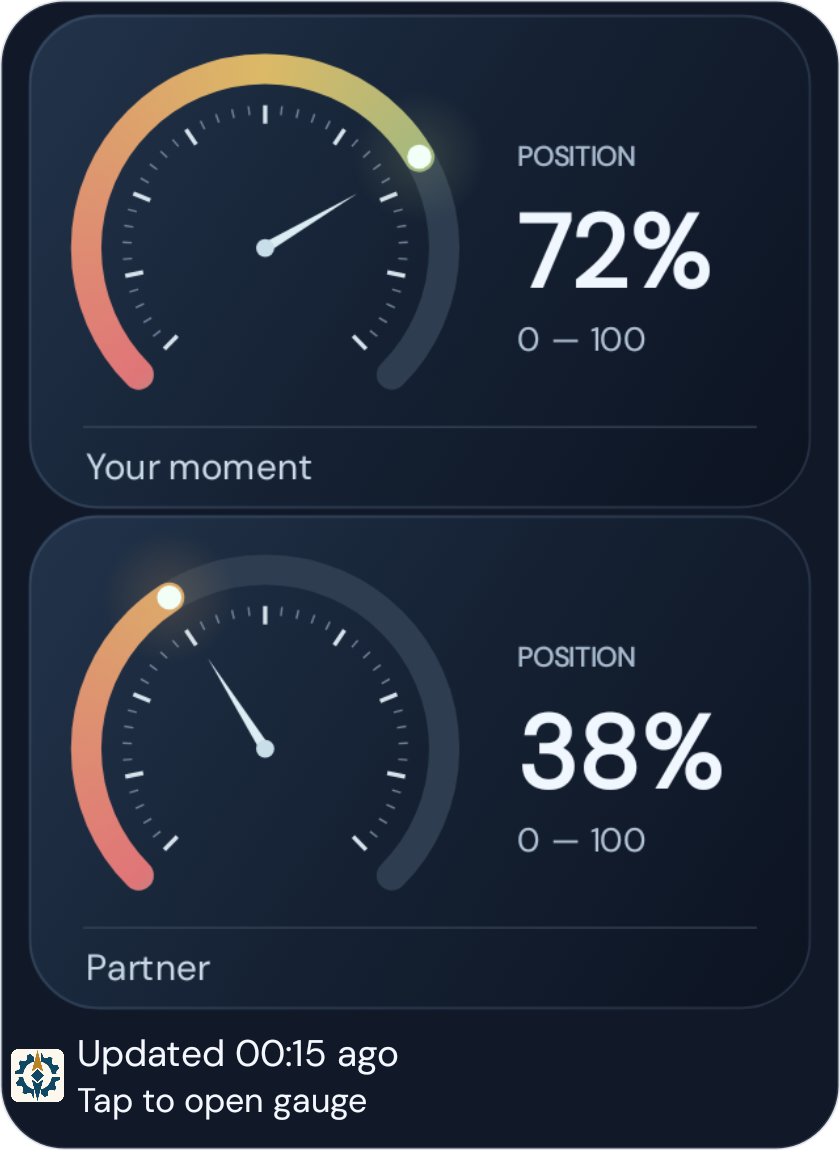
Touch and hold your widget, then choose Edit or Reconfigure (the label depends on your launcher). Choose Two gauges · stacked, or One gauge · large and select your partner’s dial.
Under Appearance, choose any new design or Follow app theme. Each widget remembers its own selection.
Widgets show the latest received reading and its sync status. Tap the gauge to open that gauge in the app.
Gauges keep their proportions as you resize the widget. Give two stacked gauges more height; a single gauge suits a shorter space.